
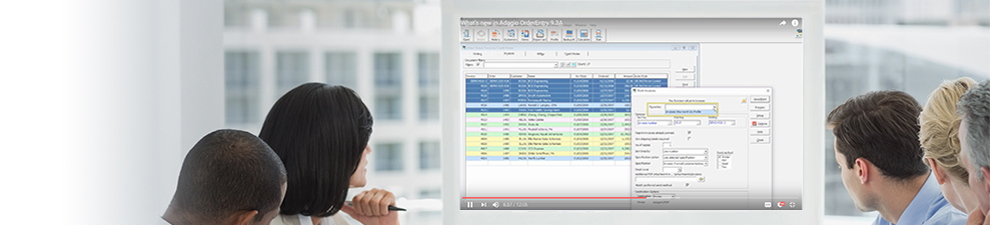
These short videos of 3 to 5 minutes will show you a brief overview of various processes or features particular to a specific Adagio module. They provide a quick way to investigate how a specific function works and useful tips on how best to use it.

When maintaining multiple companies, Adagio Console allows tracking which users are in which companies from which workstations, even from remote connections. Create new users and preferences easily from Clone User, and configure standardized preferences across companies with Copy Definitions.
Watch Video
When maintaining multiple companies, Adagio Console allows tracking which users are in which companies from which workstations, even from remote connections. Create new users and preferences easily from Clone User, and configure standardized preferences across companies with Copy Definitions.
Watch Video
In order to perform regular system or company maintenance, exclusive data access is generally required. Use Adagio Console to schedule system shutdowns to gain this access. Also use the internal outgoing messaging system to push information to Adagio users, and even close those programs from remotely connected workstations.
Watch Video
When Adagio Console is installed, this opens the possibility of automating a chain of standard tasks in supported Adagio programs. See how to set up an automation file and add commands to perform.
Watch Video
With Adagio Console, you can combine multiple automation files from various Adagio programs into a single batch file, to perform an entire string of commands, even unattended!
Watch Video Latest Release: Console 9.1A